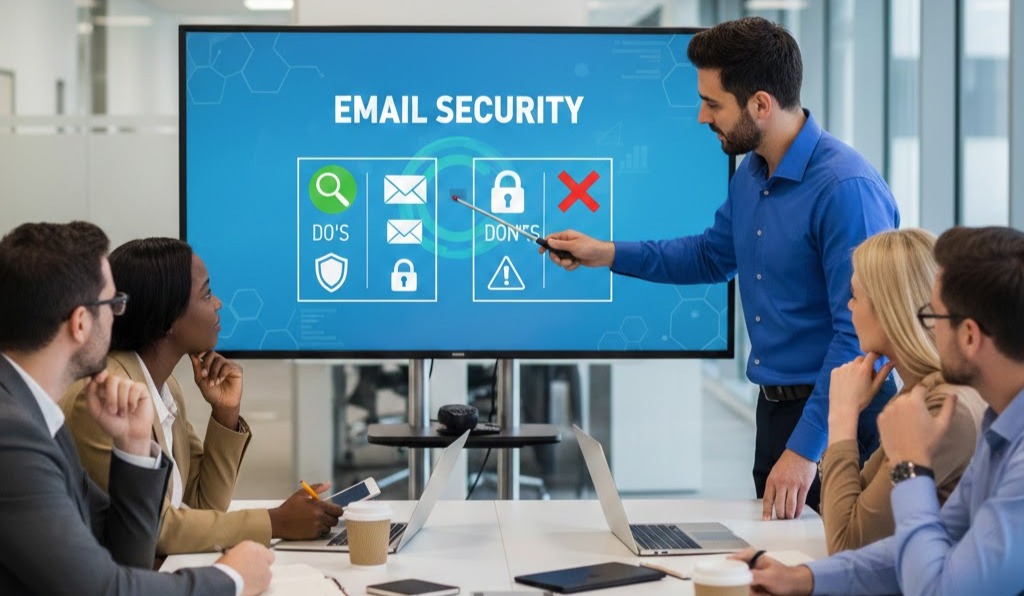
The Human Firewall: Why Email Security Education is Your Best Defense
In today’s digital landscape, email is the lifeblood of business communication. Unfortunately, it’s also the most common entry point for cyberattacks. From phishing scams to malware delivery, a single misstep by an employee can compromise an entire company’s security. This is why robust employee education on email security isn’t just a good idea – it’s an absolute necessity.
Think of your employees not as vulnerabilities, but as your most important “human firewall.” With proper training, they can become the first and most effective line of defense against sophisticated cyber threats.
Why Education is Non-Negotiable
Cybercriminals are constantly evolving their tactics. They exploit human psychology as much as technical vulnerabilities. Here’s why empowering your team with knowledge is paramount:
-
Phishing Attacks are Rife: Phishing emails are designed to trick recipients into revealing sensitive information or clicking malicious links. These aren’t always easy to spot, and a well-trained eye is essential.
-
Ransomware Entry Point: Many ransomware attacks begin with an employee opening a malicious email attachment. Education can prevent this costly and disruptive scenario.
-
Human Error is a Major Factor: Simple mistakes, like sending an email to the wrong recipient or using a weak password, can have significant consequences. Training reduces these errors.
-
Compliance and Reputation: Data breaches due to poor email security can lead to regulatory fines and severe damage to your company’s reputation and customer trust.
The Dos and Don’ts of Email Handling
Educating your employees on practical guidelines for email handling is crucial. Here’s a rundown of the essentials:
The DOs:
-
DO Verify Sender Identity: Always double-check the sender’s email address, especially for unexpected or suspicious emails. Look for subtle misspellings or unusual domains.
-
DO Hover Before You Click: Before clicking any link in an email, hover your mouse over it to see the actual URL. If it looks suspicious or doesn’t match the context, don’t click.
-
DO Be Wary of Attachments: Only open attachments from trusted senders and when you are expecting them. If in doubt, confirm with the sender through a different communication channel (like a phone call).
-
DO Use Strong, Unique Passwords: Ensure all email accounts (and other company systems) use strong, complex passwords and, where available, two-factor authentication (2FA).
-
DO Report Suspicious Emails: If an email seems even slightly off, report it immediately to your IT or security department. It’s always better to be safe than sorry.
-
DO Encrypt Sensitive Information: When sending highly confidential data via email, use secure encryption methods provided by your company.
-
DO Think Before You Reply All: Be mindful of who you are including in email replies, especially when dealing with sensitive information.
The DON’Ts:
-
DON’T Share Passwords: Never share your passwords with anyone, for any reason. Your password is your key to company data.
-
DON’T Respond to Requests for Personal Info: Legitimate organizations will rarely ask for sensitive information like passwords, credit card numbers, or social security numbers via email.
-
DON’T Click on Pop-ups or Unknown Links: Be extremely cautious of any pop-up windows asking for credentials or links embedded in suspicious emails.
-
DON’T Assume an Email is Legitimate: Even if an email appears to come from a known colleague or reputable company, take a moment to assess its legitimacy, especially if it’s urgent or unexpected.
-
DON’T Download Software from Unknown Sources: Never download or install software prompted by an email unless explicitly instructed by your IT department.
-
DON’T Use Public Wi-Fi for Sensitive Tasks Without a VPN: Public Wi-Fi networks are often unsecured. Use a Virtual Private Network (VPN) when handling company emails or sensitive data on public networks.