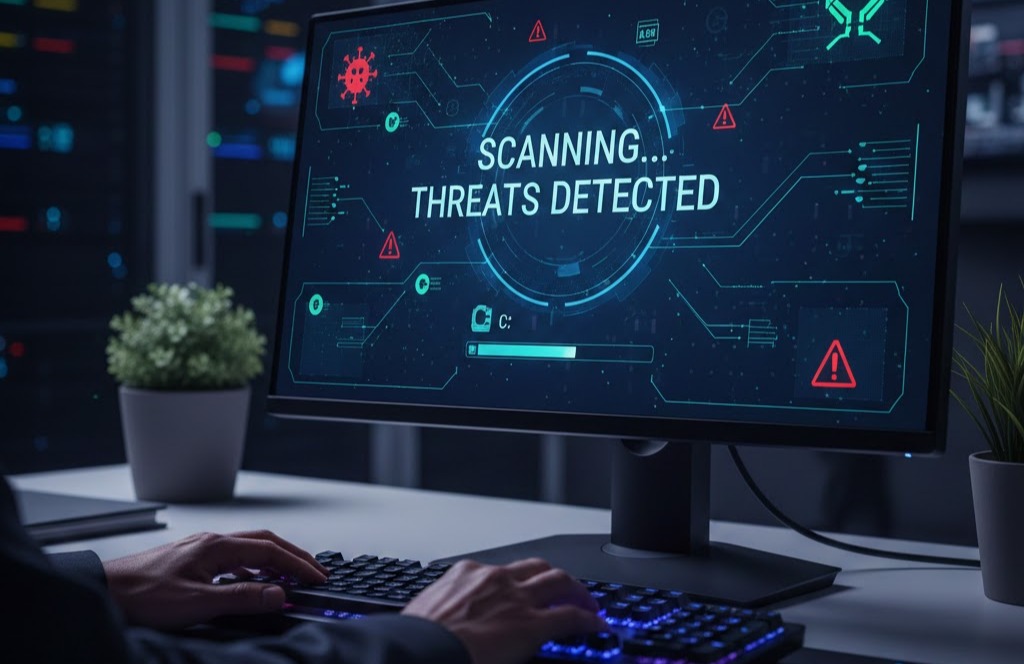
The Unseen Battleground: Why Your Office Terminals are Your First Line of Defense
In today’s digital age, businesses invest heavily in robust cybersecurity measures for their email servers, website hosting, and cloud infrastructure. We build towering digital fortresses around our most critical online assets. But what about the very devices your team uses every single day? The humble office computer terminal often becomes the overlooked weak point, a seemingly innocuous entry point that can unravel even the most sophisticated security setup.
Imagine securing your bank vault with impenetrable walls and a state-of-the-art alarm system, only to leave the front door of the bank wide open. This is precisely the risk many businesses take by neglecting regular maintenance and scanning of their office terminals.
The Reality: An Infection Spreads from Within
Even if your website hosting is secured with the latest firewalls and your email servers boast multi-factor authentication, an infected office terminal can still be your undoing. Here’s why:
-
Credential Theft: Malware on a local machine can easily capture login credentials for your secure servers, websites, and cloud applications as your employees access them. Once these credentials are stolen, attackers can bypass your server-side security altogether.
-
Ransomware Attacks: A single infected terminal can be the beachhead for a ransomware attack that encrypts not just that machine, but potentially shared network drives and even backups. The cost of recovery, both financial and reputational, can be devastating.
-
Data Exfiltration: Sensitive company data, client information, or intellectual property stored on an employee’s computer can be silently siphoned off by malware, regardless of how secure your central databases are.
-
Internal Network Compromise: An infected terminal can become a launching pad for attacks on other machines within your internal network, moving laterally to gain access to more critical systems and data.
Your First Line of Defense: Proactive Terminal Hygiene
This isn’t about blaming employees; it’s about empowering them and protecting your business with foundational cybersecurity practices. Regularly scanning your computer terminals with reputable antivirus and anti-malware software is not just an option, it’s a necessity.
Here’s what a robust terminal hygiene strategy looks like:
-
Install and Maintain Antivirus/Anti-Malware: Ensure every single office terminal has up-to-date antivirus and anti-malware software installed. This isn’t a “set it and forget it” solution; definitions must be regularly updated to recognize the latest threats.
-
Schedule Regular Scans: Implement a mandatory schedule for full system scans. These should ideally run outside of peak working hours to minimize disruption.
-
Enable Real-Time Protection: Most modern security software offers real-time protection, constantly monitoring for suspicious activity. Ensure this feature is always enabled.
-
Educate Your Team: User awareness is paramount. Train employees on how to identify phishing emails, suspicious links, and unsafe downloads. Remind them that they are an integral part of your security posture.
-
Patch Management: Keep operating systems and all software applications updated. Exploits in outdated software are a common entry point for malware.
-
Strong Password Policies: Enforce the use of strong, unique passwords for all system and application access.
-
Backup Regularly: Even with the best defenses, breaches can occur. Regular, offsite backups are your last line of defense against data loss.
Don’t let the illusion of secure servers lull you into a false sense of complete safety. The battle for cybersecurity often begins at the most accessible point: the computer terminal on your employee’s desk. By prioritizing its cleanliness and security, you’re not just protecting one machine; you’re safeguarding your entire business.